
Commercial · Kitchener
Access Control Installation
Deliveries arrive before anyone is scheduled to be there, which right now means either propping the loading dock open at dawn or handing a key to a driver you have never met.
In plain words
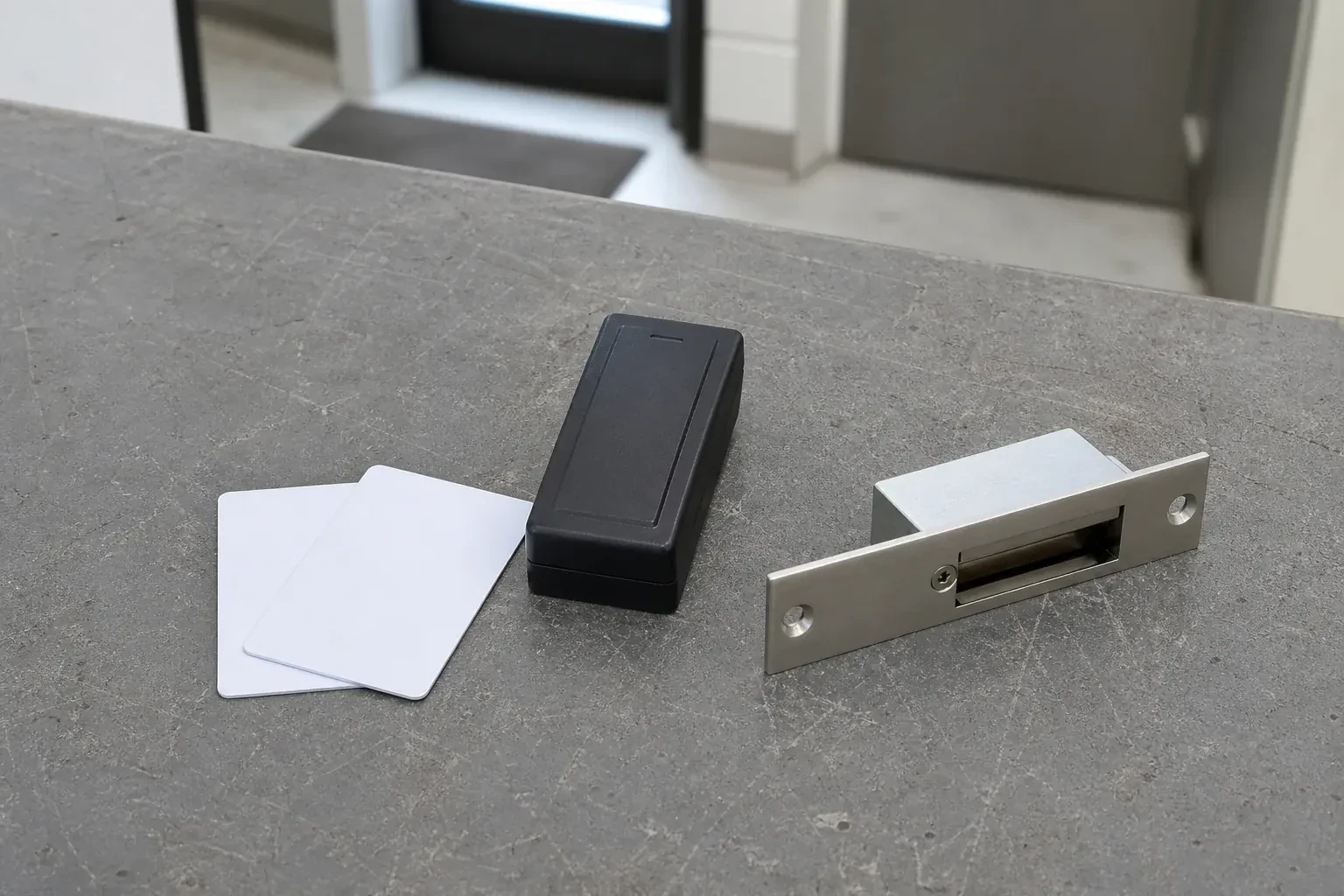
Credentials take several forms, and most installations end up mixing them: a proximity card or fob held near a reader, a keypad code typed at the door, or a mobile credential read from a phone. Cards and fobs are simple to hand out and just as simple to switch off if lost; a code needs no hardware to issue but has to be changed once shared too widely; a mobile credential ties entry to a device the person already carries. The mix is chosen door by door, based on who uses each one and how often.
How the visit goesSomething went missing from the storeroom over a weekend, and when you ask who was in the building, the honest answer is anyone with a key. There is no list, no time stamp, no way to narrow it down.
Access Control Installation
How the visit goes
Working out schedules and who needs which door
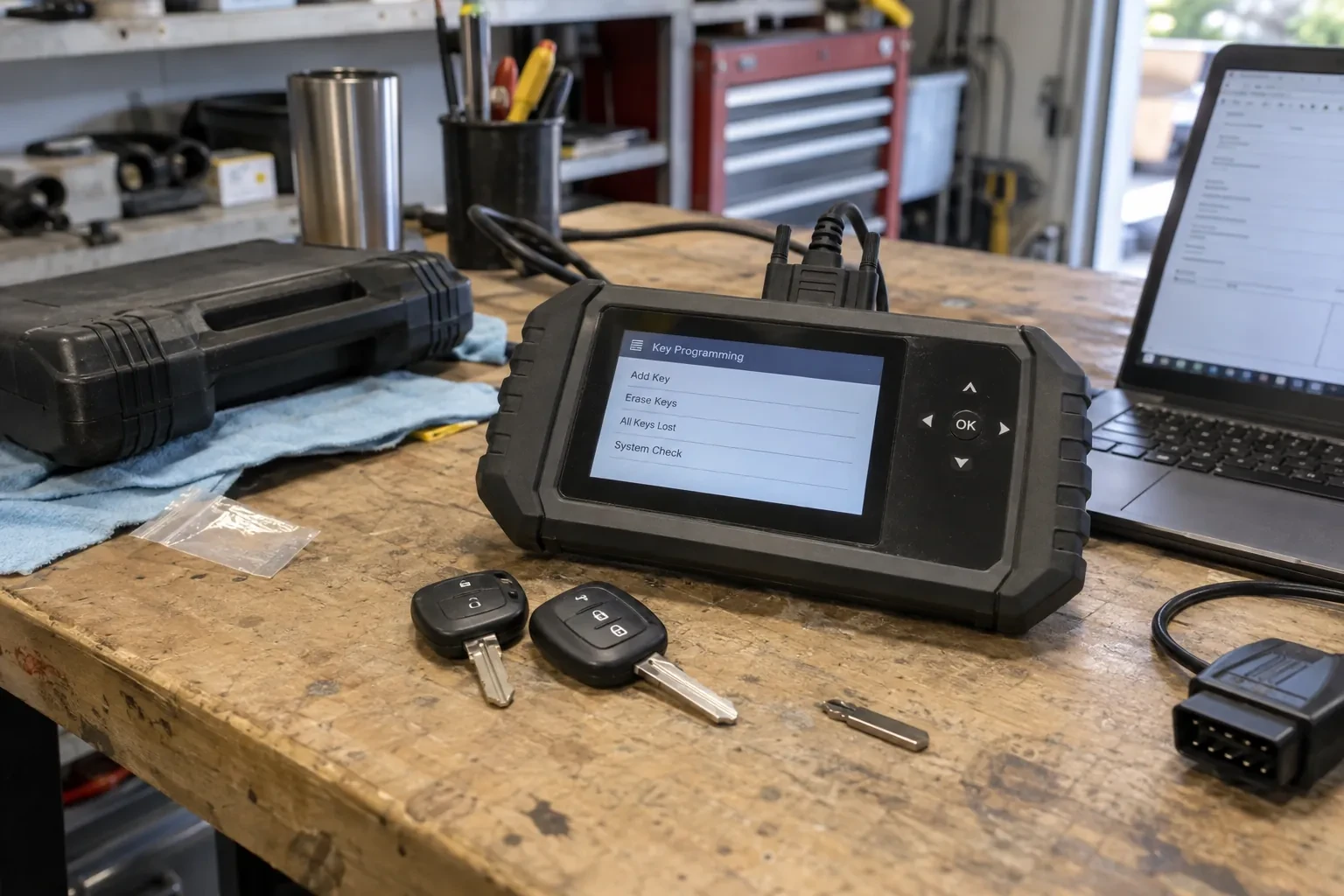
Not every credential should open every door, and not every door should unlock at the same hour, so the locksmith works through a simple list with the business: which roles need which openings, whether a loading dock or a storage room should follow its own hours, and whether a holiday schedule or a temporary contractor credential comes up regularly. This list becomes the access levels and schedules programmed into the controller later, and getting it right at this stage means fewer changes to make once people are already using their cards or codes.
Setting up schedules and access levels
With the wiring finished, the work moves to the controller's software: schedules for regular business hours, another schedule for a loading dock or an after-hours cleaning crew, and access levels that group doors by who is allowed through them. A manager's credential might sit in every access level, while a new hire's sits in only the one or two the role actually needs. Holidays are entered so a schedule does not unlock a door on a day the building is closed, and the whole configuration is saved before any credential is issued against it.
Adding a door later without starting over
A system sized with room to grow makes adding another opening later a straightforward extension rather than a second project: a new reader and lock on an added door, wired back to the existing controller where there is capacity, or a new standalone unit where the door sits far from the rest. Because schedules, access levels and credentials already exist for the rest of the building, the new door usually needs only to be slotted into that structure rather than have all of it worked out again from the beginning.
Access Control Installation
In the van
Credential cards and fobs
Magnetic locks
Mechanical override cylinders
Card and fob readers
Access control panel
Access Control Installation
What affects the quote
Distance between the doors and the controller
A building where every controlled door sits close to where the controller will be mounted needs less cable and fewer pull points than one with openings spread across several floors or a large footprint.
Network readiness for a networked system
A networked controller needs a suitable connection point and technology-department approval to join the building's network; where that is not already in place, preparing it is a separate piece of the job from the door hardware itself.
Power supply and backup sizing
A power supply and battery backup have to be sized to the number of doors and locks they support, and a building with several openings on one controller needs a larger supply than a single standalone unit.
What to have ready
- Do any doors need different hours than the rest of the building?
- Which doors do you want to control with the new system?
- Is there network access near where a controller could be mounted?
Access Control Installation: questions
QuestionsHow do you decide where the readers and door hardware physically go?
A short walk-through maps which doors get used most, where wiring can run cleanly, and where a reader sits at a comfortable reach for everyone, including anyone using a wheelchair or a cart. Door swing and nearby glass affect where a strike or a magnetic lock sits, and mounting height gets checked against the existing door hardware so nothing interferes with the handle or closer. That walk-through happens before ordering hardware so the layout matches the building rather than the other way around.
Will this work with our existing alarm or camera system?
In most cases, yes. An access control installation can be planned to share information with an existing alarm panel, so an arm-or-disarm event lines up with whoever unlocked the door, and with a camera system, so a recorded clip can be matched to a specific credential rather than only a timestamp. The exact integration depends on what the existing alarm and camera equipment support.
Can a person's access change automatically by time of day or day of the week?
Yes. Access levels can be set to change automatically by time of day or day of the week, so a credential that opens a door during a shift can be denied outside it without anyone having to remember to switch it off manually. This is set up once in the schedule and then runs on its own from that point forward.
Related services
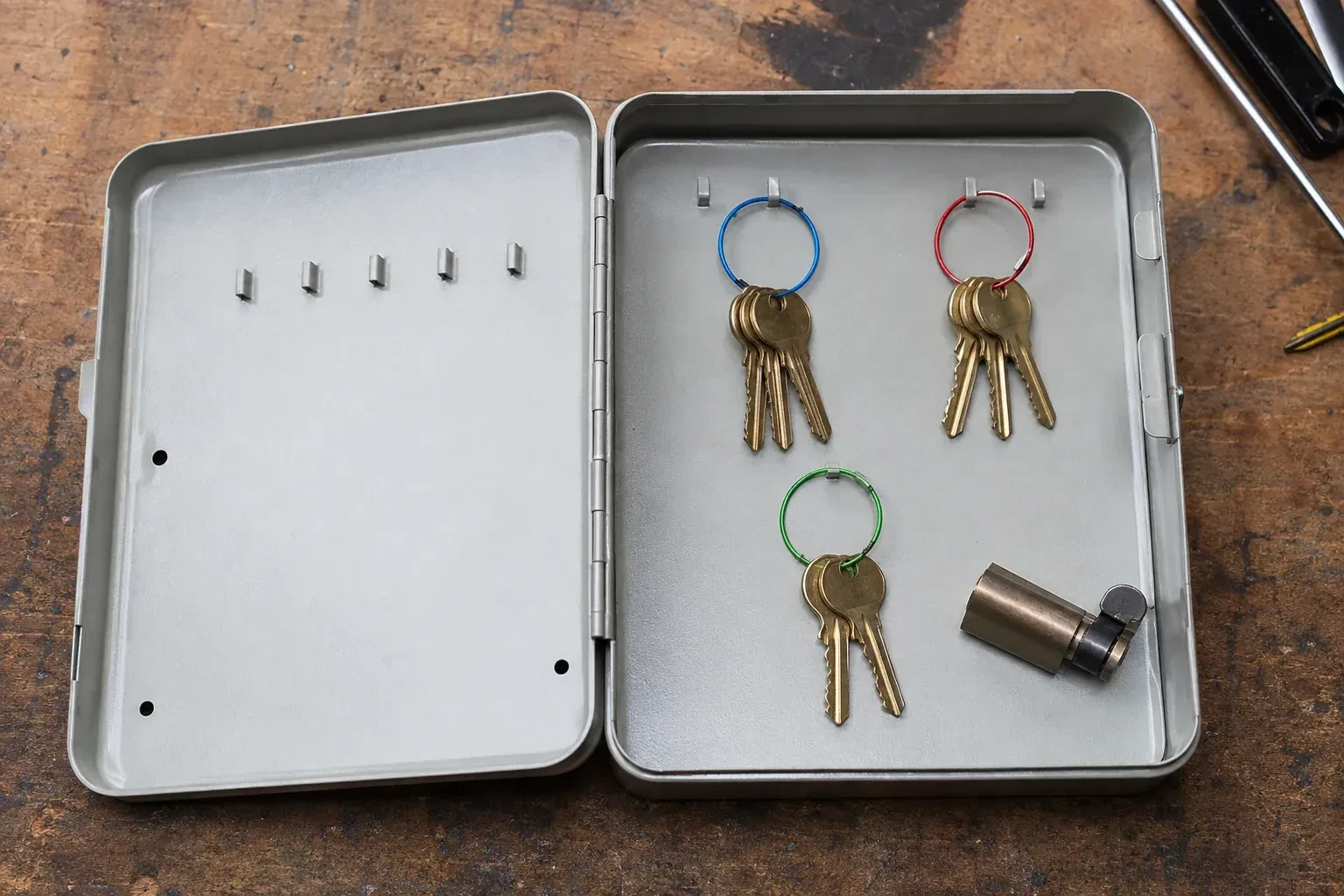
- Master Key System DesignAfter a busy shift the manager counts the keys coming back in and loses track of who still has one.
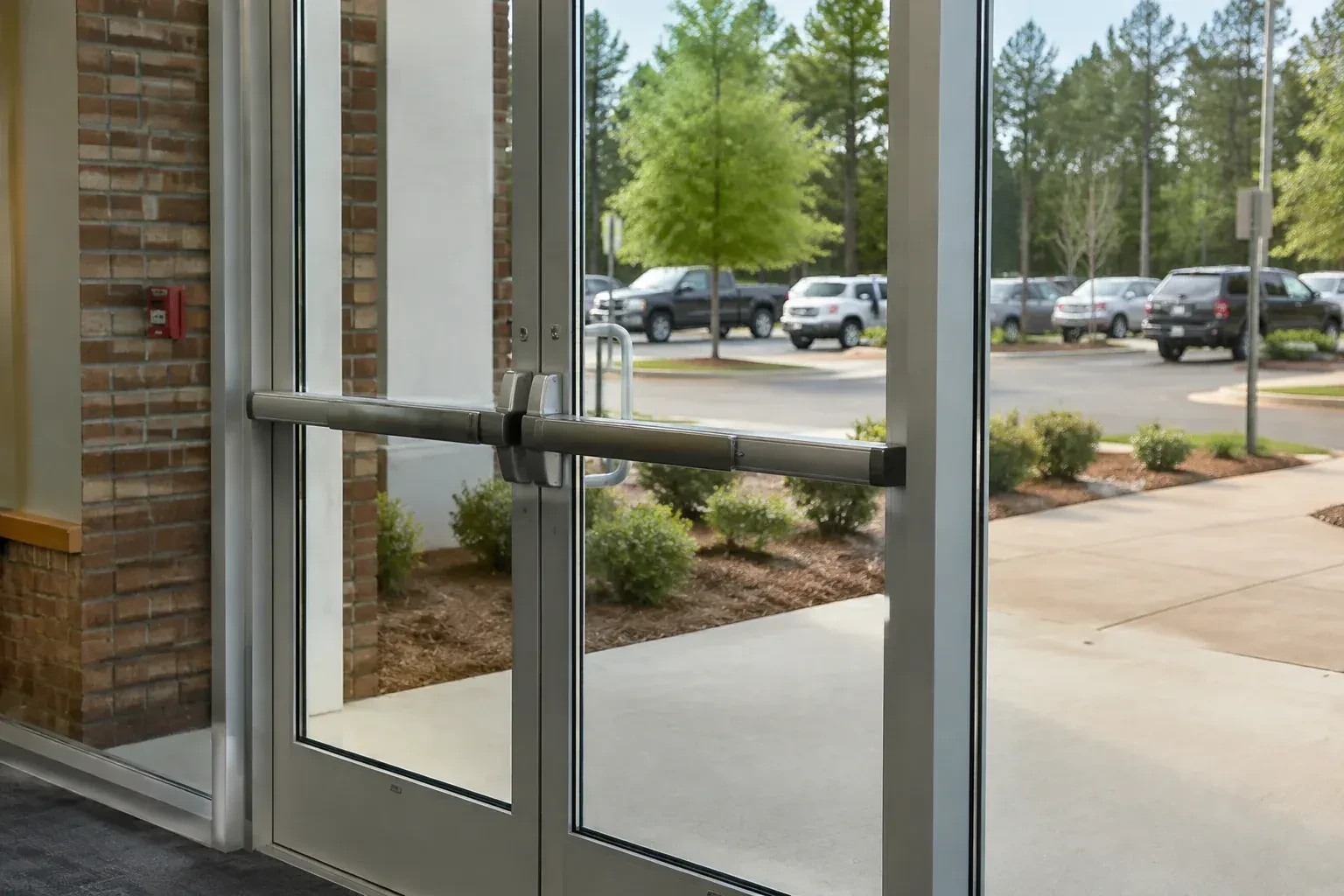
- Panic & Exit HardwareThe new access-control reader at the staff entrance works fine going in, but nobody has sorted out the door's exit side, and right now a card reader and a pushbar exist as two separate ideas.
- Commercial-Grade Lock ReplacementAt closing time the hookbolt on the storefront door catches the keeper only on the second or third try, and one employee has started giving the door a shoulder to force it home.